This description refers to the previous version of the application – the screens may look different from the current ones.
How to display events sent by vehicles?
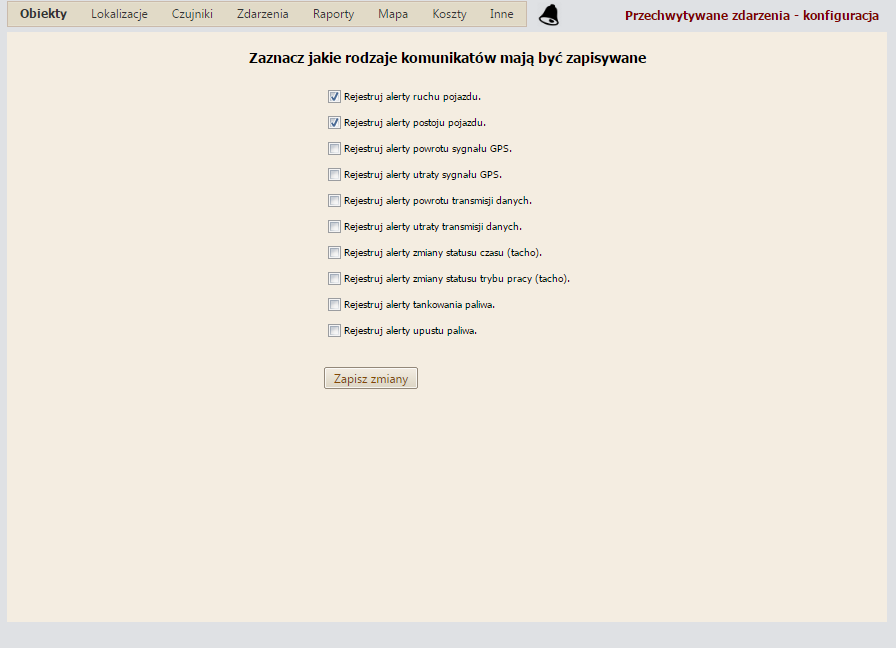
Our Monitoring-GPS.net service allows you to display a wide range of events that appear in the system. These are related to vehicle movement, fuel, or drivers' working time. The following events can be displayed:
- Vehicle departure from a stop
- Vehicle stop
- Loss of GPS signal
- Restoration of GPS signal
- No data transmission from the GPS tracker
- Restoration of data transmission from the GPS tracker
- Change of driver's working time status (tacho)
- Change of driver's working mode (tacho)
- Fuel refuelling
- Fuel drain
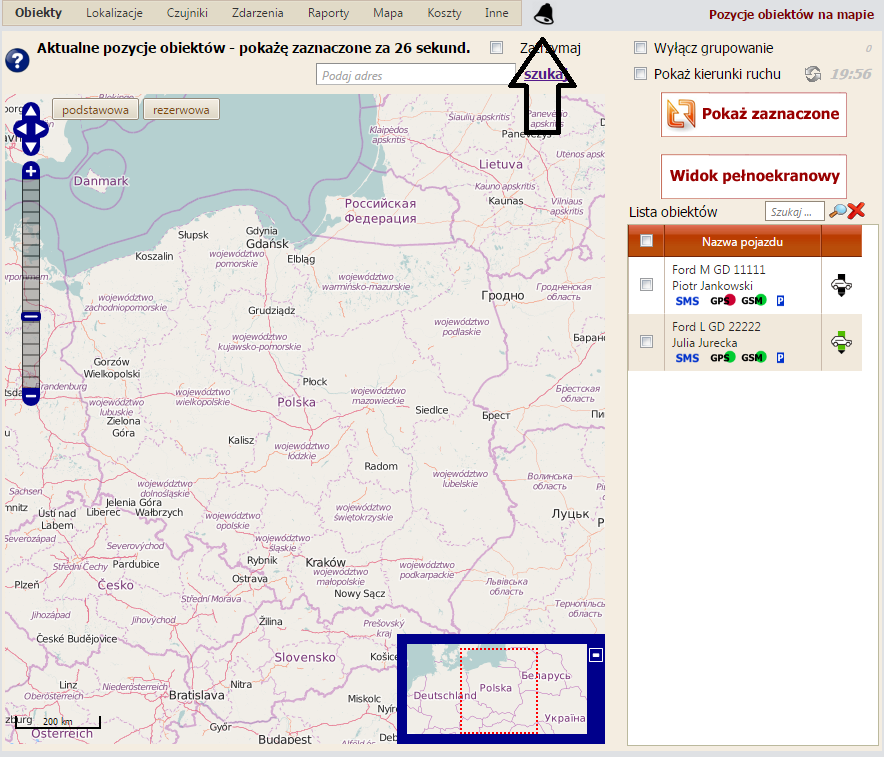
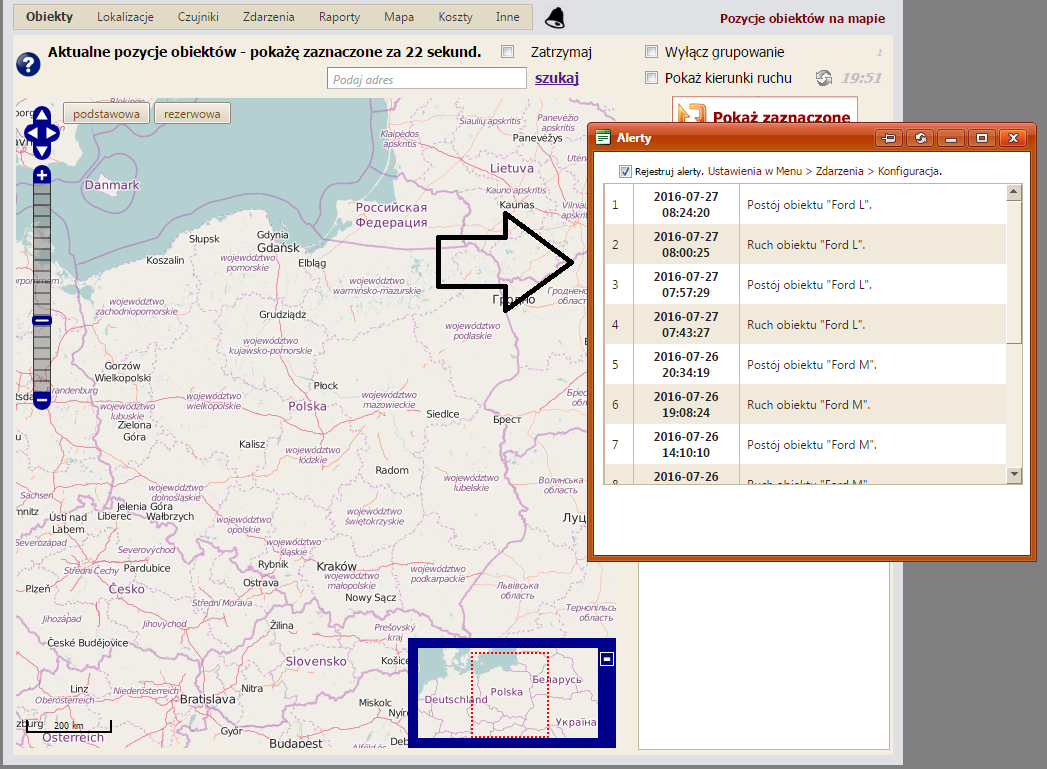
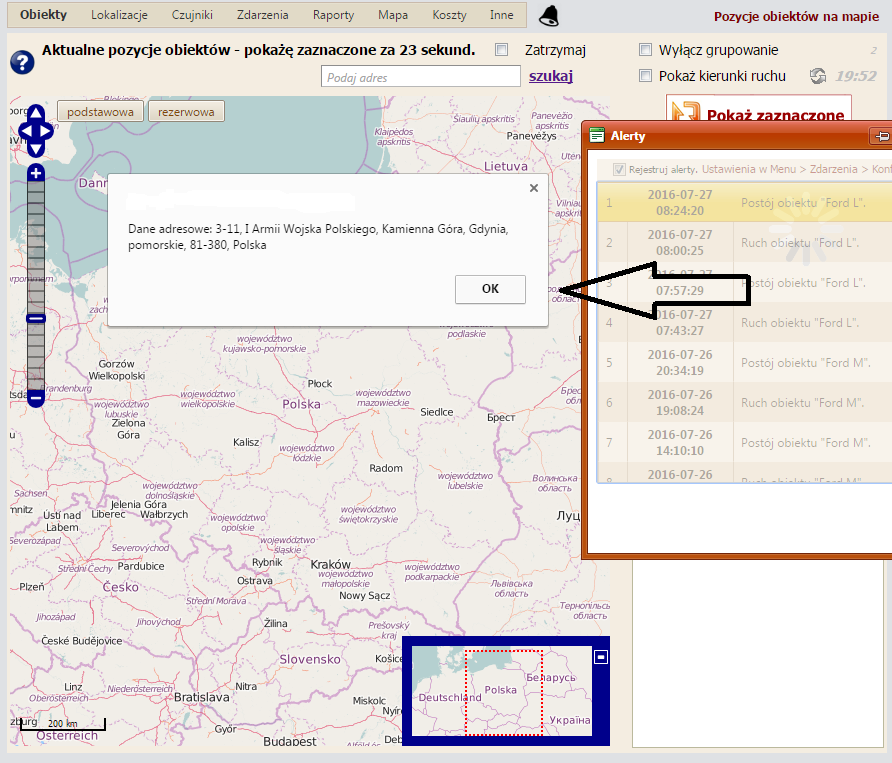
To enable the system to record the described events, you need to activate event registration and specify which events should be recorded. The configuration and display of events are illustrated by the screenshots provided below.
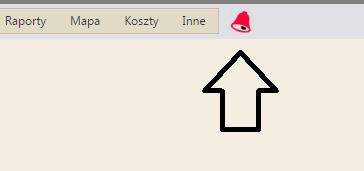
 If a new event from the list occurs, the "bell" icon will change colour to flashing red.
 The black icon indicates that there are no new events.
 The crossed-out icon means that the event registration and display function is not enabled.