
This description refers to the previous version of the application – the screens may look different from the current ones.
How to configure the GPS tracker
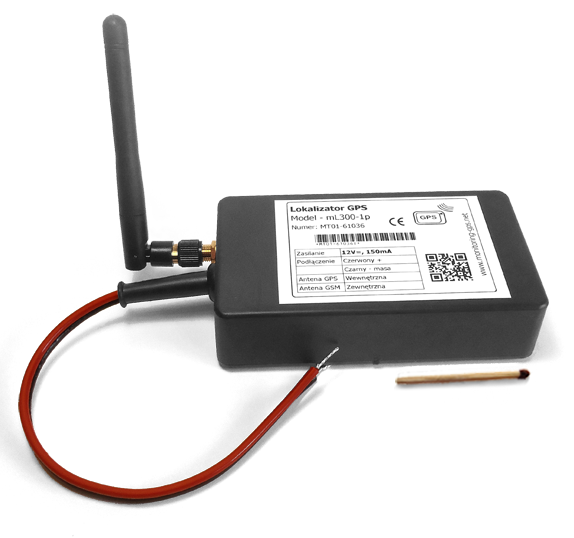 GPS tracker mL300-1p
Once the GPS tracker is installed in the vehicle, it is fully ready for use. It comes with a set of basic settings that meet the requirements of most of our clients. However, these settings can be changed to suit individual needs. The main parameters that can be configured in our devices are the time ranges during which they should operate. By default, the tracker works in 24/7 mode, i.e. continuously. However, sometimes it is necessary to switch it off, for example on Sundays. The entire configuration of our tracker is carried out from within the application. There is no need to send cumbersome SMS commands.
To configure SMS notification sending, you need to:
Log in to the system > Menu > Objects > GPS tracker configuration (Konfiguracja lokalizatorów GPS)
The screen that will be displayed at this point can be seen below. Here you can see the list of vehicles and their configuration. There are many parameters available, but for now we will focus on the basic settings.
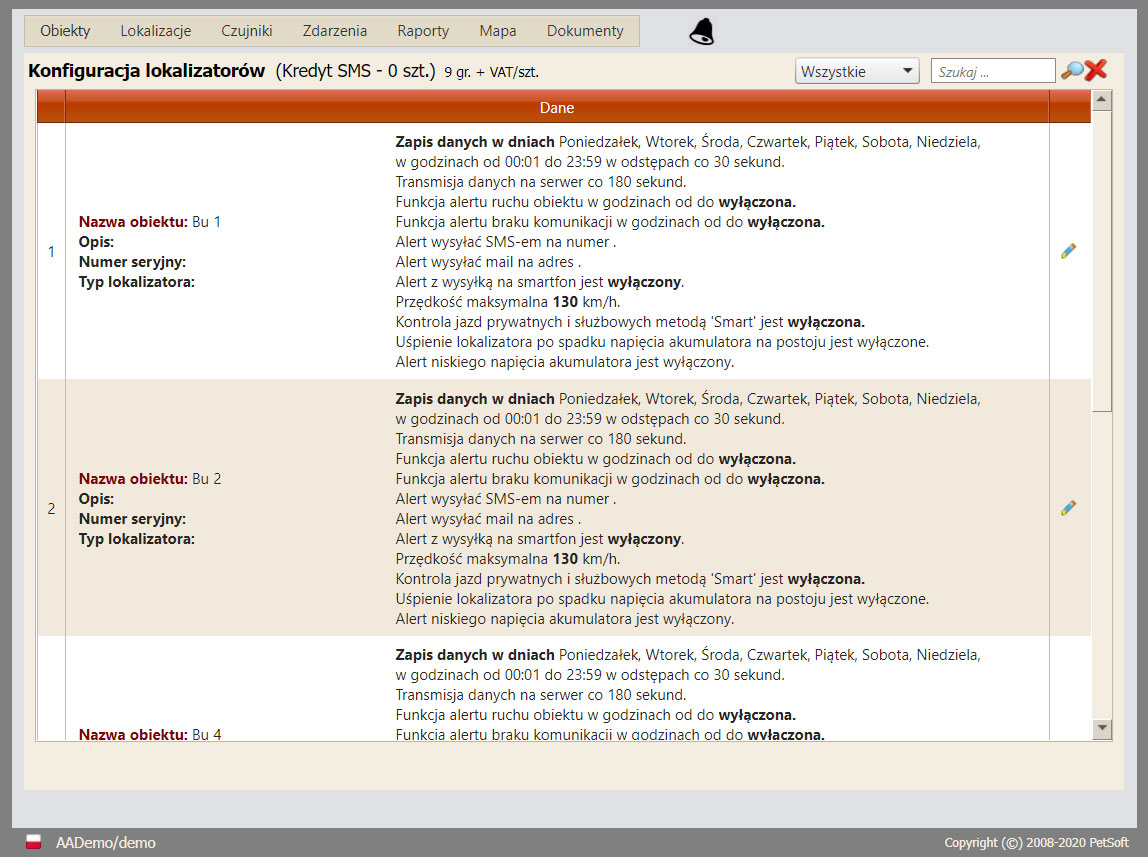
After clicking the Edit icon  located on the right side of each row, an editing window will appear. Here you can change the GPS tracker's operating parameters, such as working hours and days of the week.
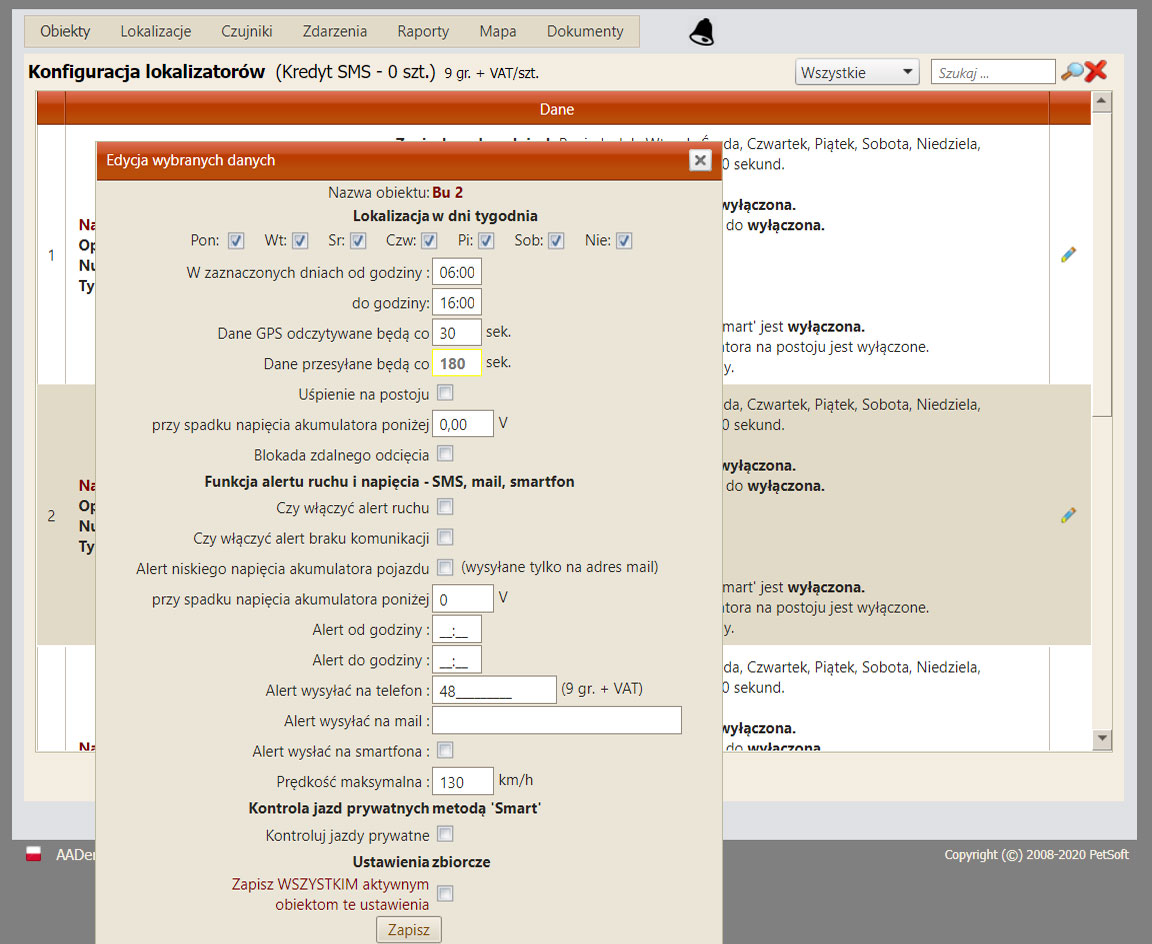
Description of each field in order:
"Location on days of the week" (Lokalizacja w dni tygodnia)
- Select which days of the week location tracking should be active
- Specify the hours during which location tracking should be active
- Time range for reading GPS data
- Time range for data transmission
- Sleep mode when stationary
After completing these settings, the tracker will operate on the specified days and hours. At other times, it will be inactive. By default, the tracker operates continuously. This is the most common setting. If there is no valid reason to restrict the tracker’s operation, it is best to leave this option unchanged.