
This description refers to the previous version of the application – the screens may look different from the current ones.
How can you see where your vehicles are?
The number of vehicles in a company fleet increases every year. As a result, the need to control what the vehicles and their drivers are doing also grows. With just one or two vehicles, this is not particularly significant. However, if a company has, say, 20 vehicles, a quick answer to the question "Where are they all?" can be very important. This allows you to quickly reassign a technician from one location to a job that has appeared near their current assignment, saving considerable fuel costs. This information is stored in our Monitoring-GPS.net vehicle tracking system databases.
To view it, you need to:
Log in to the system:
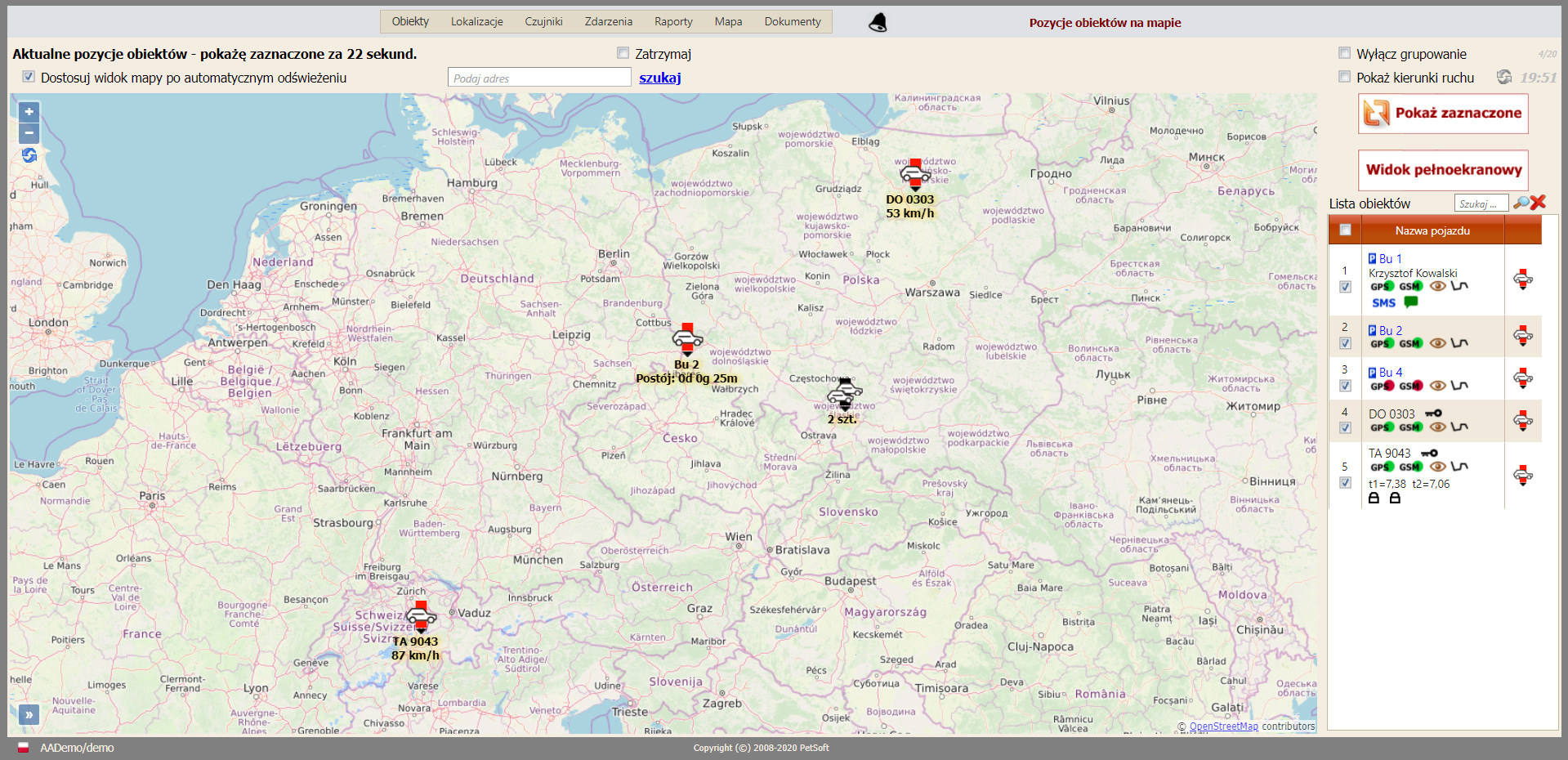
Menu > Locations > Current positions of objects on the map > General view (Menu > Lokalizacje > Aktualne pozycje obiektów na mapie > Widok ogólny)

- View all vehicles on the map
- View a selected vehicle on the map
To see all objects on a single map:
1. Tick the box next to "Vehicle name"
2. Then press the "Show selected" ("Pokaż zaznaczone") button  located above the vehicle list.
3. You can obtain the position of individual vehicles by ticking the box next to each object in the list.
In our standard service model, data is collected every 30 seconds and sent to the server in batches of 6. This means that new information appears on the website approximately every 3 minutes. Of course, it is possible to change this behaviour of our GPS tracker and adapt it to your requirements. All additional options require special arrangements and settings.